

Røde to the Rescue
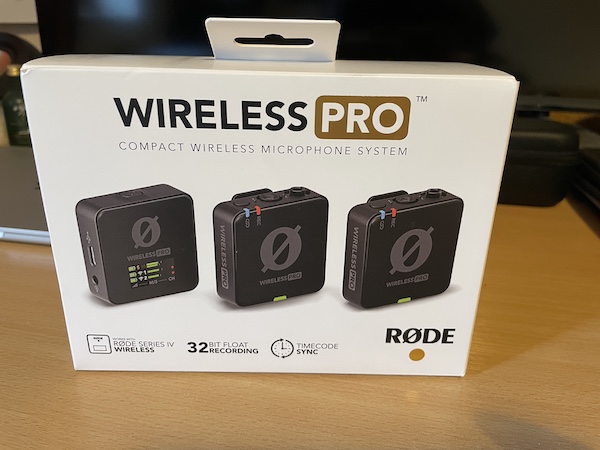
I set up to record a sermon at our Chapel using the same settings as last week, audio levels looked fine on the side screen. Ingesting the footage into Resolve 21 Beta 3, I noticed some audio had peaked. I thought I’d deal with it in the morning.
Next day I went to pull some one minute clips for TikTok and confirmed the worst with peaked, slightly distorted audio on the timeline. Time to try out the 32-bit float files stored on the transmitter. I downloaded Røde Connect, plugged the transmitter into my M4 Mac, found the saved file, and imported it into Resolve. Selected the original video and audio with the new audio, hit sync by waveform, done instantly. Deleted the old audio track.
Perfect audio. In sync. No distortion. Problem solved.
