PLEASE NOTE:
You are using an outdated browser that is no longer suitable for modern web standards.
Please update (or change) your browser to view our site as it is intended to be seen. Thank you.
poppy field

Foxvideo Productions


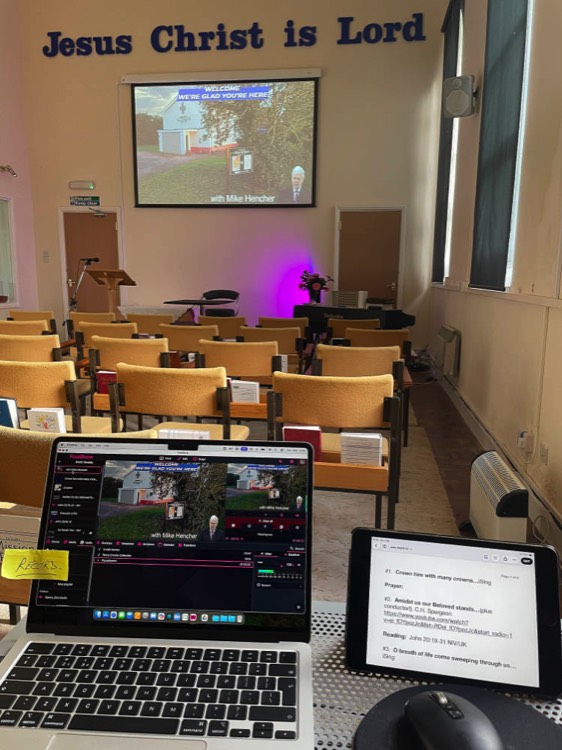
Nearly 40 years is a long time to spend looking through a viewfinder or at computer screens, but that's exactly how long cameras, video editing, building websites, and running social media accounts for others have shaped my working life. So when people ask if I'm retired, the honest answer is: sort of.

I no longer take on paid commercial work, but stepping away entirely has never really been an option. Over the past few years I've been putting my skills and equipment to use on a pro-bono basis for churches, charities, and voluntary groups, and it's been some of the most rewarding work I've done. If your organisation has a story to tell but not the budget to tell it properly, I'd love to help.

Composite image

From 9th July until the 30th July 2026 I'll be on a Mission trip with the Peace & Hope Trust in Mindanao, Philippines. - You can keep up to date with the trip here: https://sites.google.com/view/sindangan2026/home

Messenger on Mac

Stacks Image 1470
As I sit in front of Mac desktop computer most of the time, I rarely use Facebook Messenger or Apple iMessage Apps on a phone, preferring to have them open in the Dock, this has worked well for me for years. Microsoft in their wisdom (again!) decided to drop the Messaging Desktop App on Mac so it no longer works. If I get a Messenger notification on my phone or watch, I have to open Vivaldi, my browser of choice, open Facebook and then Messenger to reply.

Not any more....A web search bought up a solution. Open Safari on my desktop, go to Messenger.com and login with my FB account. Then, go to the 'Share' button (top right with an upward pointing arrow), click 'Add to Dock', I now have an 'App icon' for Messenger in my dock I can just click to open Messenger instantly on my Desktop, exactly as I used to have with the Messenger App for Mac.
Read More...

Microphone Isolation Shield

Stacks Image 1456
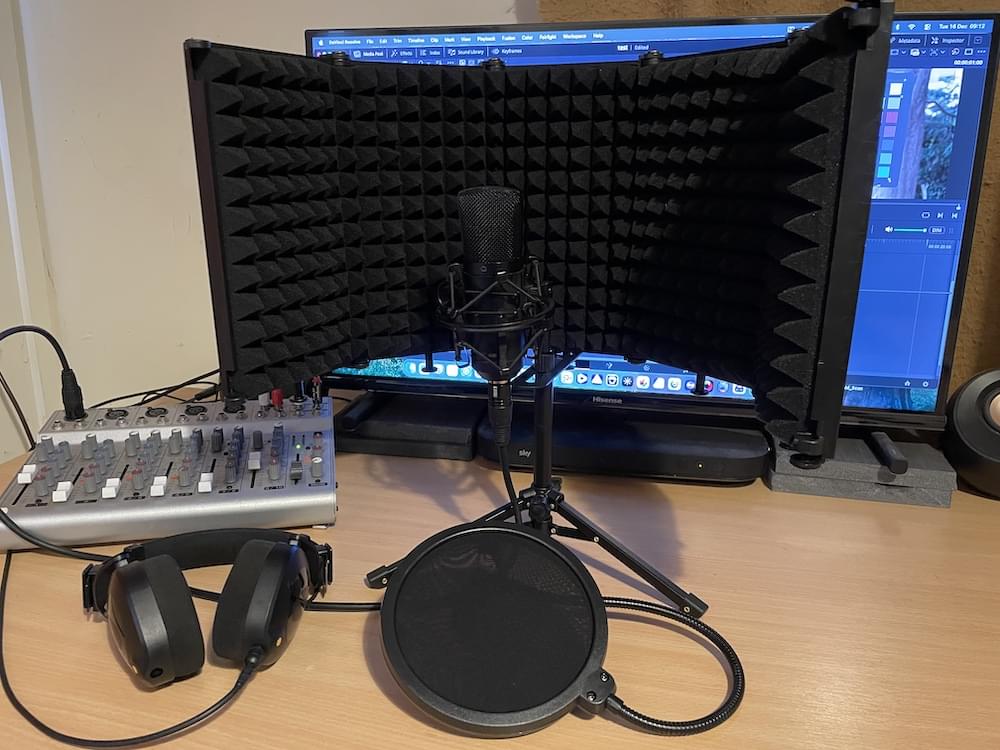
Occasionally, I need to record a voiceover for a video, in the past I've used various 'voice shields' usually involving a large cardboard box and some foam! As I'm now retired working pro bono for Church, Charity etc, money for new equipment is tight.

I spotted this V/O mic isolation shield with 5 adjustable panels, a pop shield and a tripod stand for under £25UKP recently on Temu, I thought it would be a good buy for the price and would at least, be better than my homemade attempts, so I ordered it.

It was 'land shipped' and Temu kept me informed all the way, it arrived 20 days before their estimated delivery date. First impressions were very good, it's a surprisingly well made piece of kit although the plastic screw fittings for the tripod attachment might need to be changed for metal ones (easily available). It's certainly better than my home made version and I would recommend it if you have occasional voiceovers to do.
Read More...

Well done Microsoft!

Stacks Image 1442
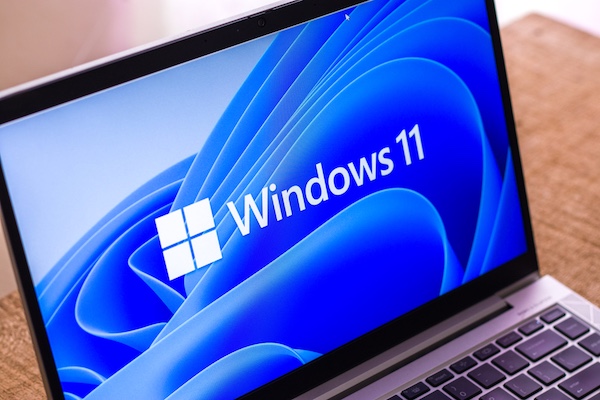
Well done Microsoft.....You've made it virtually impossible for a senior citizen with limited ability, who does not have a mobile (cell) phone, to use Windows 11. They've been quite capable using XP, Windows 7 and Windows 10 on a laptop, until forced to buy a new laptop with Windows 11 as Windows 10 was deprecated. I spent the best part of 2 hours re-setting PIN numbers and a Microsoft account on a new Windows 11 laptop for them, after they totally locked themselves out with 5 failed attempts to login. Even I struggled with your 'match the shadow' feature, finally managing to match 6 shadows! I totally understand the increase in security features, but try explaining that to an octogenarian who, up to now has managed succesfully to use Windows and who now has virtually given up all hope of using a laptop again.
Read More...

K.I.S.S ...or keep it simple stupid!

Stacks Image 1430

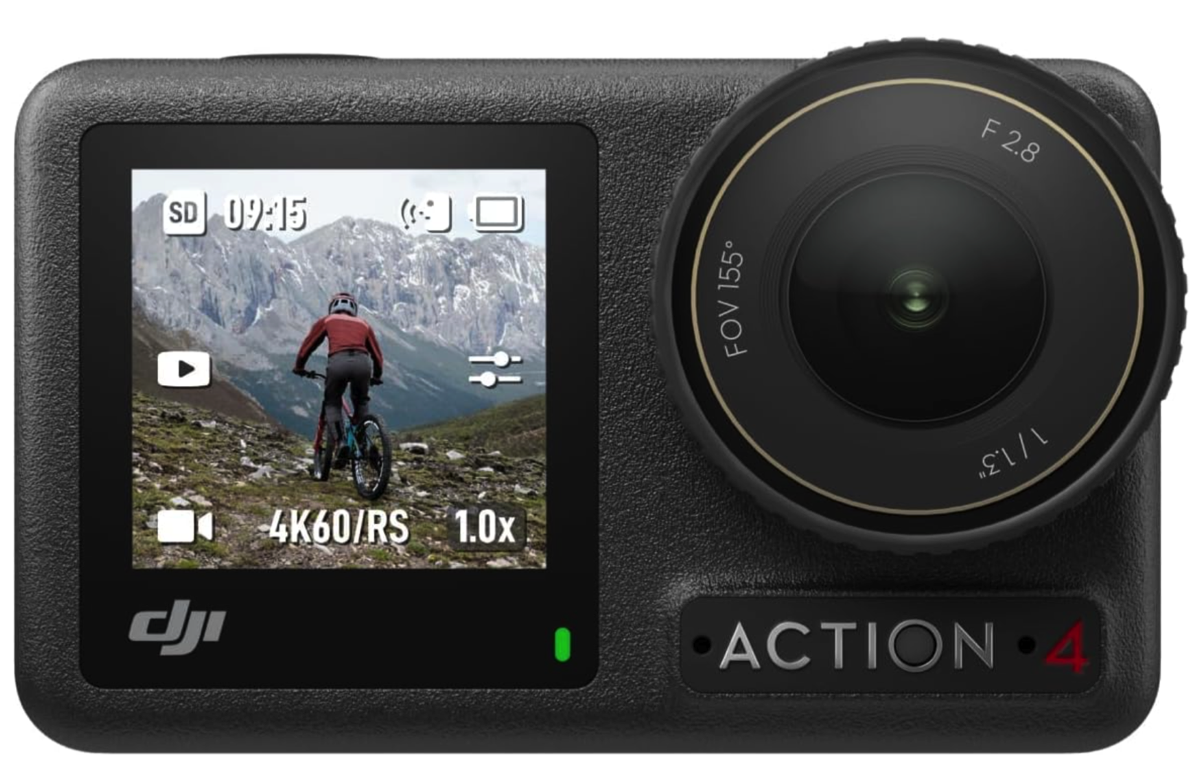
As you’ve seen in previous posts, I’m a fan of latestdeals.co.uk. I browse it daily and have bought some incredible deals from it. When I spotted a DJI OSMO Action 4 for £159, originally priced at £279 when first released, I was interested.

I watched a few YouTube videos titled “Is the OSMO Action 4 Still Worth Buying in 2025?” The consensus was yes; it remained a well-featured Action Cam in 2025, now available at very attractive prices. Although tempted, I didn’t buy it immediately. On Saturday morning, I checked again and saw it was still on offer on Amazon, with a note saying “Order within 2 hours for delivery TODAY.” Skeptically, I thought, “Yeah right, no way.”

I decided to order and received a confirmation from Amazon stating delivery by 10 p.m. It actually arrived at 7:30 p.m.—just 9 hours and 55 minutes after ordering!

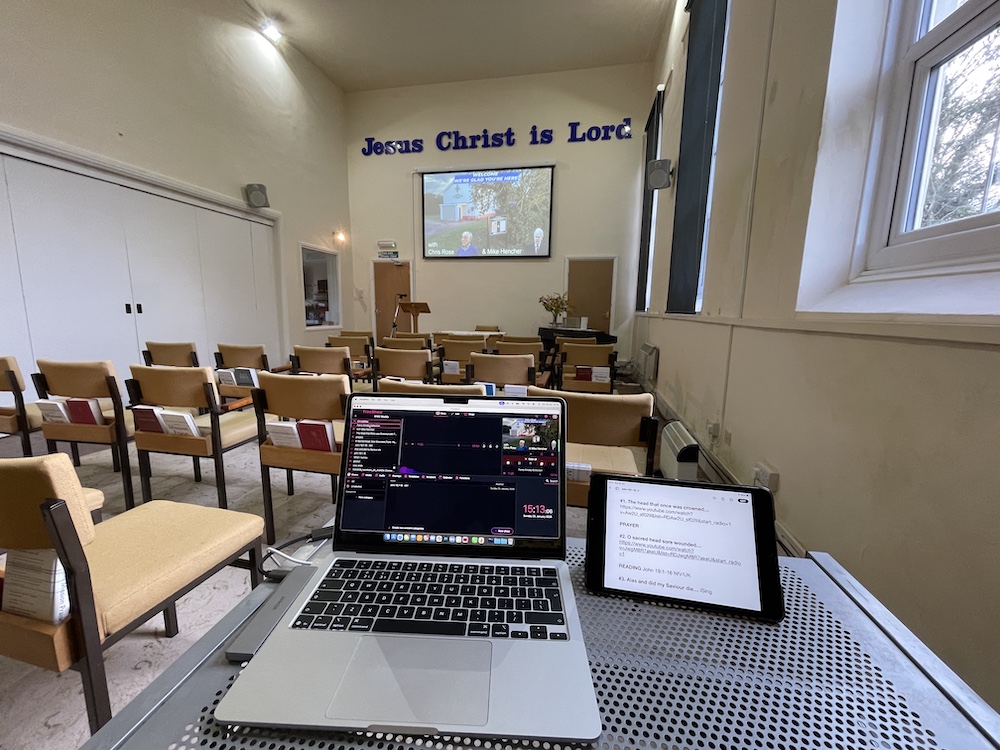
I verified that it worked but didn’t look at it again until Monday. For events at my local church, where I run the tech and livestream the service on Sundays, I sometimes use a GoPro mounted on top of the main camera to provide a second camera angle in OBS. I thought the OSMO 4 would be ideal for this. Checking the forums, I found that this setup was possible, although one poster mentioned they had failed to get it working.

Being a tech guy, I knew what I was doing, right? I used a USB-C to HDMI connector from the OSMO Action 4 to a long HDMI cable, then into an HDMI to USB3 connector, and finally into a USB3 port on a micro PC. It should have shown up in OBS—just as it does for the main camera. Wrong, it didn’t work!

I tried swapping connectors and cables, but still nothing. So, it was back to the forums. There were no immediate answers, but I found a reply from a DJI tech advisor suggesting using a USB-C to USB-A connector into the PC. I tried it, and the camera screen displayed “Use Webcam.” Immediately, it appeared as a device in OBS. Selecting it, I had a perfect video image ready to broadcast.

As I said.....keep it simple stupid!

Read More...

Riot DQ

Stacks Image 1418
My YouTube often shows me Davinci Resolve suggested videos, I spotted this one recently and had to check it out. An EQ plugin specifically for voice working in Resolve. Currently available only on "Pre Order" for $9.99 (£7.62 UK) instead of $14.99. At that price it looked too good to miss, I look forward to seeing it in action and hopefully do a write up when I install it. You can watch the YT video here - 'Mixing Dialog' and the order page here - https://riotanthemstudios.com/riotdqpresale

March 2026 - Not heard a word from Riot Anthem Studios since November even after asking for an update so, I'd hold off pre-ordering this plugin for the moment - If / when I hear something I'll post back here.

Well, this is embarrassing! Literally five minutes after posting the above update, I received an email advising that the plugin is now finalised and in final testing before release… Coincidence??????
Read More...

Affinity Photo is now Affinity

Stacks Image 1404
After nearly a month of hype on Facebook, Affinity has announced that all three of its apps, Photo, Designer, and Publisher will now be incorporated into a single, completely free app.

The new Affinity app will be free to use, but requires a free Canva account to get started. If you want access to AI-powered features within Affinity, you’ll need a Canva Pro subscription, currently priced at $15 per month or $120 per year. Initial reactions on the Affinity Facebook page were mostly positive. However, around 12 hours later, I noticed a shift towards more negative opinions. Several posters commented and raised concerns about the Canva End User License Agreement (EULA), which you can review yourself on the Canva website.

It was also interesting to learn that the app requires a 3.5 Gb install, and there have already been several reports of crashes, freezing, and repeated installation attempts.

I'm now retired officially but still work for Church, Charity and voluntary organisations on a pro bono basis, the one thing I can't afford is to have subscriptions going out each month, so I won’t be switching to the new Affinity app. I already own a current Version 2 (which I purchased for just £33 during an Affinity deal last year, see this blog post). For background removal, one of the new AI features in Affinity which would require the Pro account, I use Pixelmator Pro and Luminar Neo. For other creative tasks, I rely on Apple Pages, Laughingbird Software, and Swift Publisher for my design and publishing needs.
Read More...

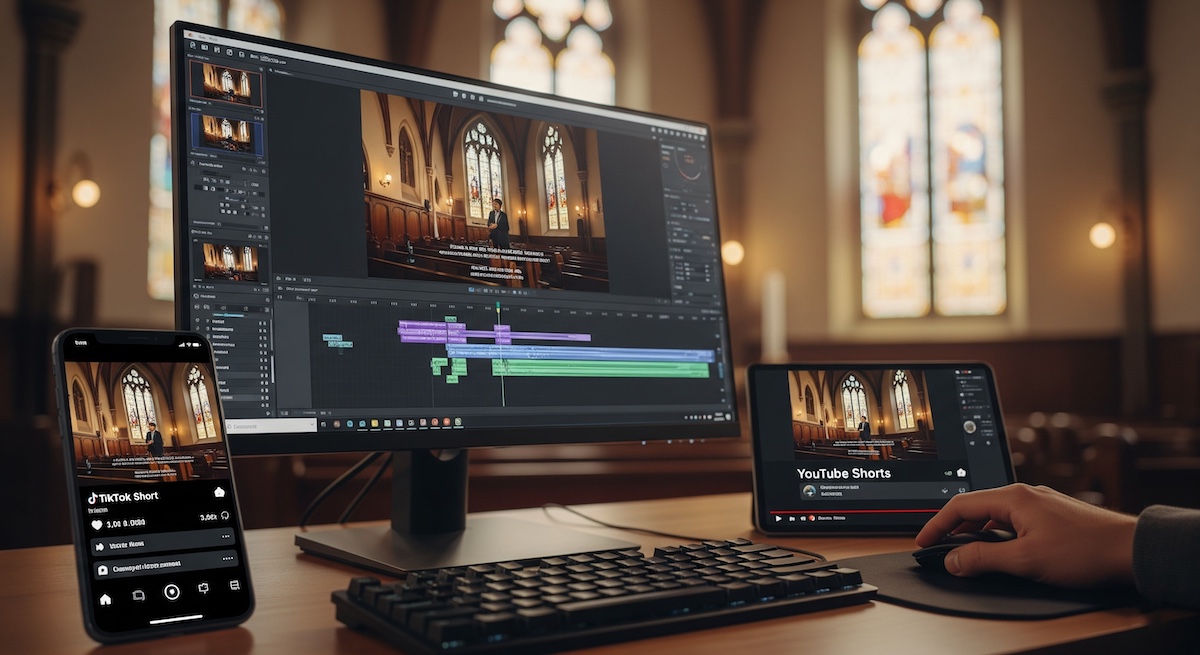
From Sermon to Shorts: An AI Journey

Stacks Image 1396
You’ll have seen from my previous posts that I’ve started producing ‘shorts’ for YouTube and TikTok. These have really taken off, getting between 500 and 1,500 views per upload along with a mix of positive and negative comments. More importantly, we’re also gaining subscribers to our church’s YouTube and TikTok channels from them.
Read More...

AI for Logo design?

Stacks Image 1345
I had a conversation with a good friend recently about AI, he was interested in creating a new logo for his website and I suggested that tools like Gemini or ChatGPT could probably design something. However, he mentioned he’d tried a similar route recently but found the results disappointing.

I mentioned the key to obtaining a good result from AI is crafting a well worded prompt - it was no use just entering “make me a logo for my business called ‘anybusiness.com”, AI needs to know a lot more about what you actually want, I used an example of ‘describe to a child who doesn’t speak English’ what you want and to then use that as a prompt in ChatGPT or Gemini.
Read More...

Shooting Shorts

Stacks Image 1326
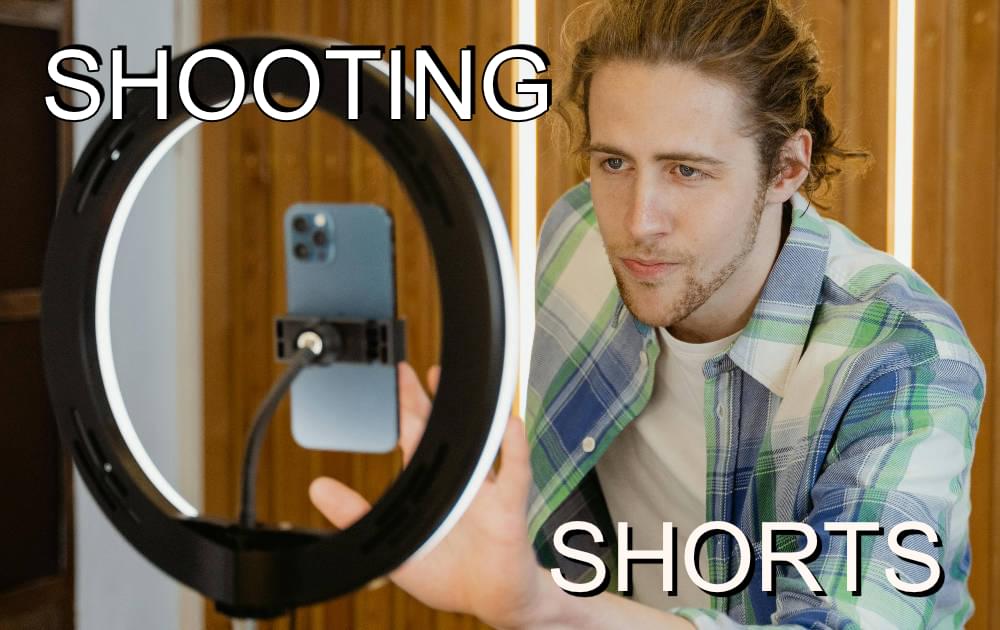
I edit and upload YouTube videos for my local Chapel and we'd normally expect around 30 hits per YouTube video uploaded. I'd considered using 'shorts' recently (see https://foxvideo.co.uk/?post=from-facebook-ad-to-diy-video-shorts) and found that our hit rate was now in the thousands per 60 second video! Two other people I help with video editing were suddenly interested in me producing 'shorts or 'reels' for them, so I produced (with a little help from my good friend Gemini) a PDF to help them. Click READ MORE to read it or download it.
Read More...

Mission Glimpse

Ever wondered what a mission trip is like? Discover the heart of Sindangan, Mindanao, Philippines in this short video. Glimpse the local culture, the warmth and generosity of its people, and the unique flavours we experienced during our trip with Gorsley Baptist Church and The Peace and Hope Trust (July/August 2024). We'll show you the place, introduce you to the people, and some of the food they shared with us! The video ends with Geoff Crago reading "So Send I You." by Elizabeth Givens. What inspires you to serve?
Read More...
<<  Page 2 / 9  >>

©2026 Foxvideo Productions, Dymock. Gloucestershire, GL18 2AU