

From Sermon to Shorts: An AI Journey
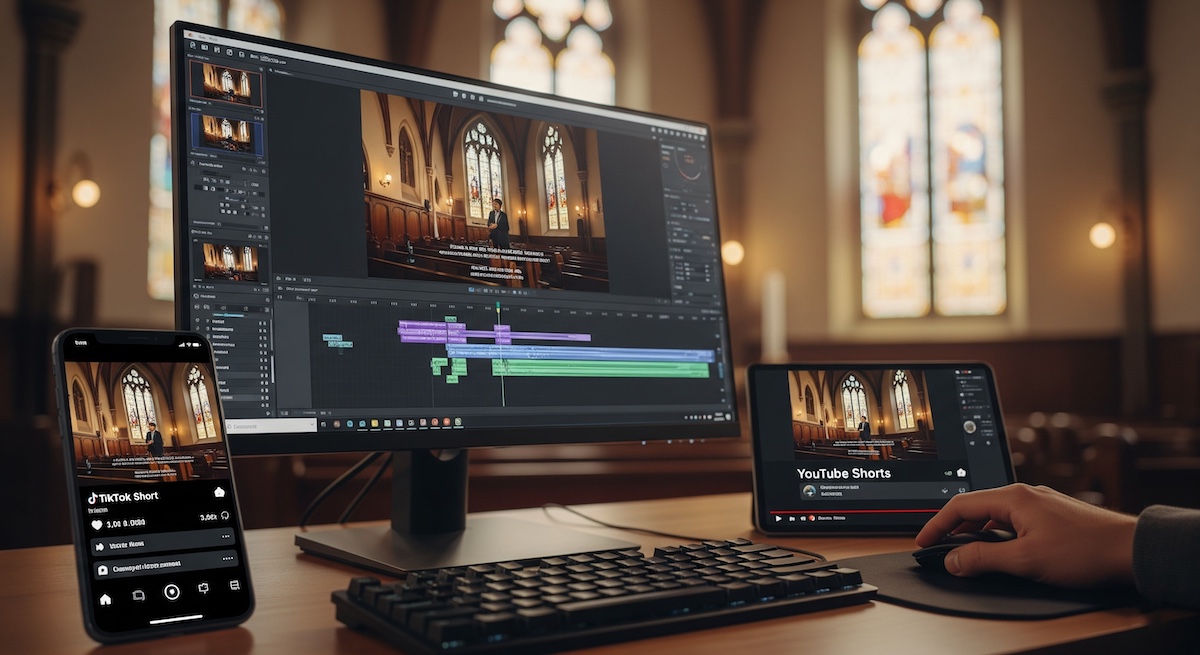
You’ll have seen from my previous posts that I’ve started producing ‘shorts’ for YouTube and TikTok. These have really taken off, getting between 500 and 1,500 views per upload along with a mix of positive and negative comments. More importantly, we’re also gaining subscribers to our church’s YouTube and TikTok channels from them.
My DaVinci Resolve Workflow
Up until recently, I’ve been producing these using DaVinci Resolve Studio from 30-minute sermons that were originally recorded from an OBS live stream to YouTube. Resolve has some great features that allow me to auto-transcribe, auto-edit the timeline from the transcription, auto-centre for an upright format, add subtitles, and output in H.265 for YouTube or TikTok. It’s not a super fast process, but it only takes me 20 to 30 minutes to cut three or four shorts from each video.
I did try an AI app that promised to do it all automatically from a YouTube link, but I found it was lacking in both accuracy and quality. I received a refund, and the developers took my comments and suggestions on board.
In the world of AI, nothing stands still for long. So when I saw a new AI app that could do what I was doing in Resolve keeping my video local, it looked interesting enough to check it out.
The app is called Reelify. You simply download it, drop a locally stored video onto it, and then go and make a coffee. When you return, it’s found all the interesting sections, made them upright for YouTube or TikTok, and even added subtitles if required. I knew I had to try it out. I’d just received a 45 minute video from a good friend who wants to leave a legacy of his thoughts on YouTube. I’d been trying to convince him to embrace ‘shorts’ for a while, and this seemed like the perfect opportunity to try out Reelify.
My First Test (and a Technical Hiccup)
Panic! The app crashed every time I started it. I sent an email to the developer with the crash log and a screenshot. I had a reply back very quickly advising me that it wasn’t yet fully developed for my ageing Intel Mac, though he hoped to include support for them soon. He asked if I could try it on an M-series Mac instead. As you may have seen, I’d recently bought an M4 Mac Mini...
The app worked perfectly the first time with a 45-minute video stored locally and without crashing. My first impression was how fast it was. I soon had 10 upright clips, each around 30 seconds long, complete with a title and a short description. I could either export directly or choose to edit the individual clips. I chose to edit the ‘ins’ and ‘outs,’ which were slightly off, and adjusted them with a time slider within the app. It did take a couple of goes to get them spot on, but as you can see from the clips below, it worked well.
Final Thoughts on Reelify
For me, this could be a real time-saver. ‘Shorts’ are the way to go at the moment, and their popularity on YouTube and TikTok proves it. The developer of Reelify is passionate about the app and committed to its development (he’s also a nice guy to deal with when contacted via email). There are free and paid options, so I’d recommend you give it a try if you’re thinking of using shorts or are already producing them. You can find the website here: https://reelifyai.co
Reelify output window
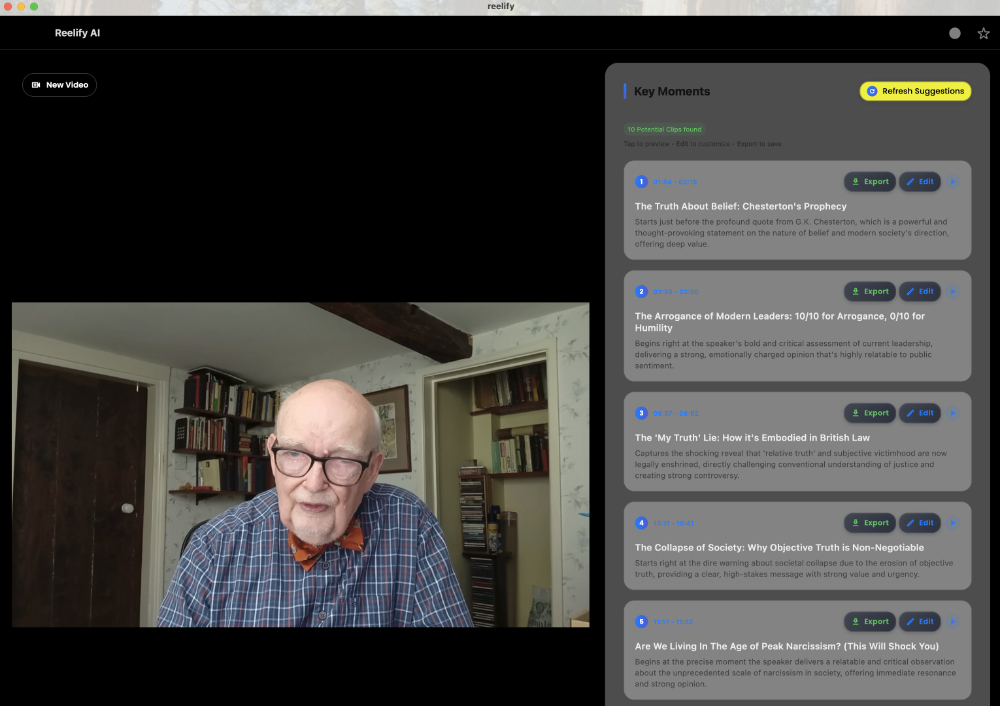
Reelify output window

